 Echo Recorder
Record System Audio
Capture audio from apps, browsers, and online meetings on your Windows PC.
Record high-quality audio on Windows
Easily record system audio, your microphone, or both at the same time. Create high-quality recordings in WAV, FLAC, or MP3 – quick, simple, and reliable.
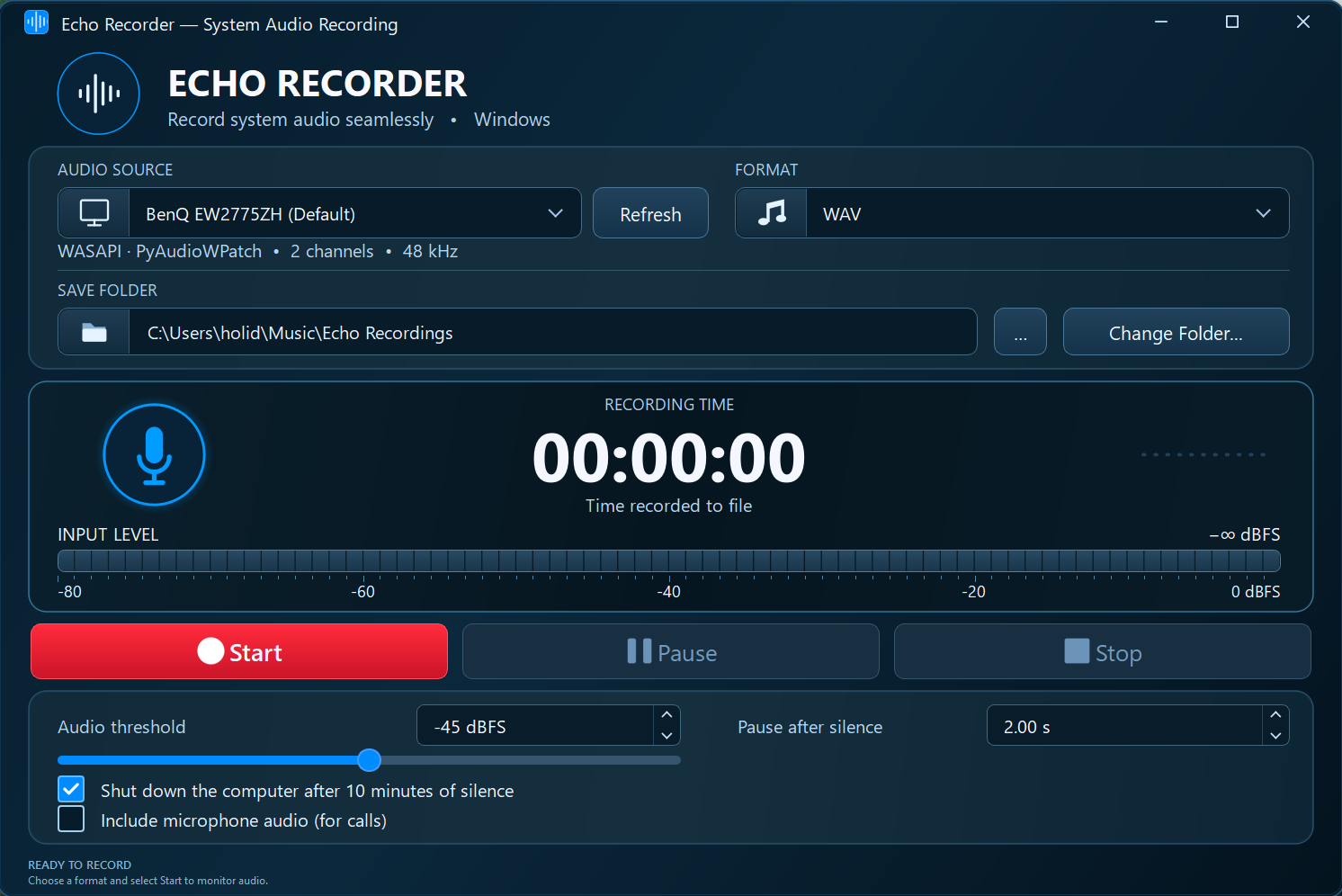
Capture audio from apps, browsers, and online meetings on your Windows PC.
Record your voice or combine microphone audio with system sound.
Save in WAV, FLAC, or MP3 with flexible quality settings.
Pause automatically during silence and optionally shut down after prolonged silence.
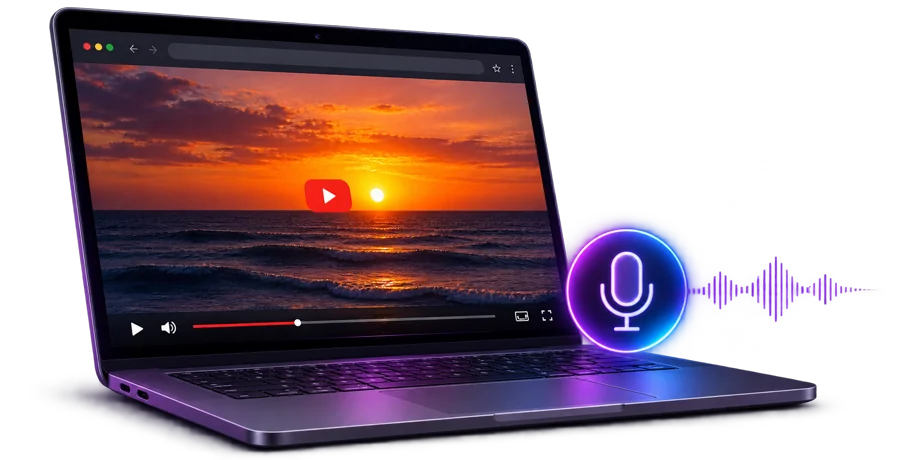
Capture audio playing in your browser, including YouTube videos, directly from your Windows PC.
Try It Free
5-Minute TrialAll features included with a five-minute limit per recording.One-time payment • No subscription
Use Echo Recorder on Windows 10 or 11. Emailing a download link to your PC is coming soon.
Try all features with unlimited trial recordings and no subscription. Each recording can last up to five minutes, including silence and pauses. When the time is up, Echo Recorder automatically stops and saves the recording.
Select the system audio device and enable microphone recording if needed.
Click Start to capture audio from your computer.
Stop the recording to save your audio in the selected format.
The free trial includes all features with a five-minute limit per recording.
No. Echo Recorder is available for a one-time payment of $14.99.
Echo Recorder supports compatible 64-bit Windows 10 and Windows 11 systems.
WAV, FLAC, and MP3.
Yes. Updates within the 1.x version family are included at no additional cost.
Echo Recorder can capture audio playing through your computer, including browser audio. Only record content you are authorized to capture.
One-time payment. No subscription.